
Software & Data
Useful warehouse tracking starts with events, not a map
Moving dots on a dashboard look impressive. But useful information often starts with a simpler question: what just happened, and who needs to know?
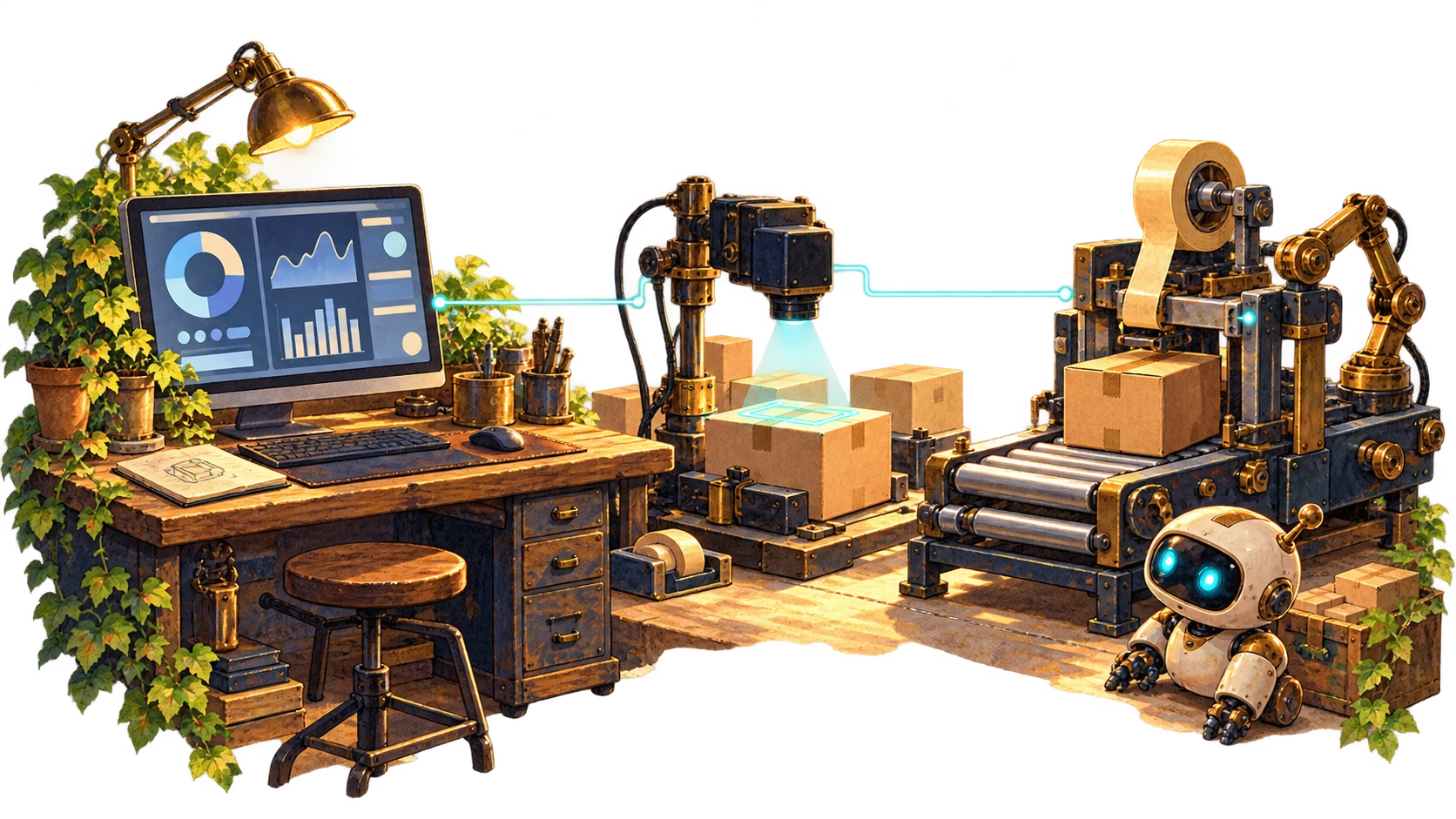
Imagine a warehouse team waiting for an order. The items have been picked, but dispatch doesn’t know whether packing is finished. Someone asks in a chat, and someone else walks back to the workbench to check. It is a familiar situation, and it points to something easily missed when we think about tracking: information should help people decide what to do next.
Start with the update your team needs
In an event-driven architecture, a process produces an event: a record that something has happened. That record travels through a channel to the systems that need it. Microsoft’s documentation describes the separation between event producers and consumers. Each side does not need to know every detail of how the other works. That is the technical foundation. On the warehouse floor, the starting question can be much more practical.
Which update allows the next task to begin? In our example, it might simply be “packing complete”. Dispatch does not always need the entire history of an item’s movements. It needs a clear status, an order identifier and a timestamp, so the team can act without guessing.
A clear status matters more than a busy screen
Before choosing a dashboard, write out the journey of one order from start to finish. Mark who records each change and who uses that information. If two people mean different things by “complete”, even a fast system can spread confusion quickly. Agreeing on the language is part of designing the technology.
Next, decide what each event needs to contain. Which order changed? Which step is finished? Who or what recorded it? Too little information sends people searching again. Too much can make an integration harder to maintain. The right choice comes from the workflow, rather than the number of fields a dashboard can display.
Plan for the update that arrives late
An initial design should also account for imperfect conditions. What happens when a connection drops, a scanner sends the same update twice, or the latest status has not arrived? These questions do not mean you need to build a large system immediately. They help identify a small, useful starting point and a way to check whether it works.
A team could begin with one limited flow: recording that packing is complete and notifying dispatch. Compare the old and new ways of working using observations agreed in advance. Do people still need to ask for repeated confirmation? The findings can guide the next step, without promising improvements that have not been measured.
Maps and moving dots can still be useful when location affects a decision. But before adding another visual layer, ask the team one question: which event do we need to hear about sooner so that our work can move forward?
Facing something similar in your business?
Let’s talk about it